


Best AI Tools for Students in 2026: The Only Guide You Need
· SmartAIHuman.com
Here's a confession most productivity writers won't make: the first time I tried using AI for studying, I used it completely wrong.
I dumped my entire lecture transcript into ChatGPT and asked it to "make me understand this." What I got back was a polished wall of text I skimmed, closed, and promptly forgot. The tool wasn't the problem. My approach was.
That experience taught me something most "best AI tools" roundups skip entirely — knowing which tool to use is only half the equation. Understanding how each one actually fits into a student's workflow is where the real value lives.
So this isn't a list of AI apps with star ratings slapped underneath. It's a practical breakdown of the tools that have genuinely changed how students study, write, organize, and think — built from real usage patterns, not press releases.
Whether you're a freshman trying to keep up with readings, a graduate student managing a dissertation alongside four other responsibilities, or just someone who's tired of spending six hours on something that should take two, you'll find something here worth using today.
The Shift That's Already Happened (Whether You're Ready or Not)
Let's set the context straight.
A 2025 survey from Tyton Partners found that more than 60% of college students use AI tools at least weekly for academic work — up from roughly 25% just two years prior. That's not a trend. That's a structural change in how academic work gets done.
And yet, the conversation around AI in education is still weirdly polarized. On one side: "AI will do your homework for you and kill critical thinking." On the other: "Use AI for everything and work half as hard." Neither camp is especially useful.
The students who are actually getting ahead aren't outsourcing their thinking. They're using AI to compress the mechanical parts of studying — the summarizing, the formatting, the drilling, the first drafts — so they have more mental bandwidth for the parts that actually require them: analysis, original argument, creative connection-making.
That's the frame this guide is built around. Not AI as a replacement. AI as cognitive infrastructure.
What to Look for in an AI Study Tool
Before we get into specific tools, here's what actually separates a useful AI app from digital noise:
- Accuracy and reliability
- An AI tool that confidently gives you wrong information about the French Revolution or a misquoted statistic isn't saving you time — it's creating new problems. The best tools either cite sources, acknowledge uncertainty, or stay in lanes where errors are catchable.
- Integration with how you already work
- The best productivity tool is the one that fits where your work already lives. A notes app you won't open is useless. An AI that works inside Google Docs — where you already write — gets used every day.
- Learning curve vs. time saved
- Some tools take two weeks to configure before they pay off. Others work out of the box. For students managing 17 credit hours, the bar for "worth setting up" has to be honest.
- Respect for academic integrity
- The tools in this guide support learning — they don't circumvent it. More on that in the responsible use section below.
With those filters in mind, here's what's worth your time.
The Best AI Tools for Students in 2026
1. ChatGPT — The Closest Thing to a 24/7 Personal Tutor
Best for: Concept explanation, essay feedback, brainstorming, coding help, research scaffolding
Free tier: Yes (GPT-4o mini) | Paid: $20/month for ChatGPT Plus

There's a reason ChatGPT became the fastest-adopted consumer software product in history. When it works well, it functions less like a search engine and more like a knowledgeable collaborator — one that adjusts its explanation style to your level, never loses patience, and is available at 2 AM the night before an exam.
But here's the part most guides leave out: ChatGPT's quality is almost entirely prompt-dependent. Ask it "explain photosynthesis" and you'll get a Wikipedia-grade summary. Ask it "explain the electron transport chain like I understand basic chemistry but keep getting lost at the ATP synthesis step" and you'll get something your textbook probably couldn't match.
The most underrated use case isn't writing. It's dialogue. Use ChatGPT as a Socratic study partner — ask it to quiz you on a topic, argue the opposite of your thesis, poke holes in your reasoning, or explain why your interpretation of a historical event might be incomplete. That kind of back-and-forth accelerates comprehension in a way that passive rereading simply doesn't.
For essay work, the highest-value application is feedback, not generation. Paste your draft, ask specifically what's weak — not "how can I improve this" but "what's the weakest argument in this paper and why" — and you'll get critiques with the directness most writing tutors are too polite to offer.
One honest limitation: GPT models can hallucinate. Specific statistics, obscure citations, and recent events are all areas where verification is non-negotiable. Treat it as a collaborator, not an oracle.
Power prompt worth bookmarking: "I'm studying [topic]. Quiz me with five progressively harder questions, and after each answer I give, tell me specifically what I got right, what I missed, and give me the full correct explanation."
2. Grammarly — Not Just Spellcheck. A Writing Intelligence Layer.
Best for: Academic essays, research papers, emails to professors, any long-form writing
Free tier: Yes (core grammar + clarity) | Paid: ~$12/month (student discount often available)
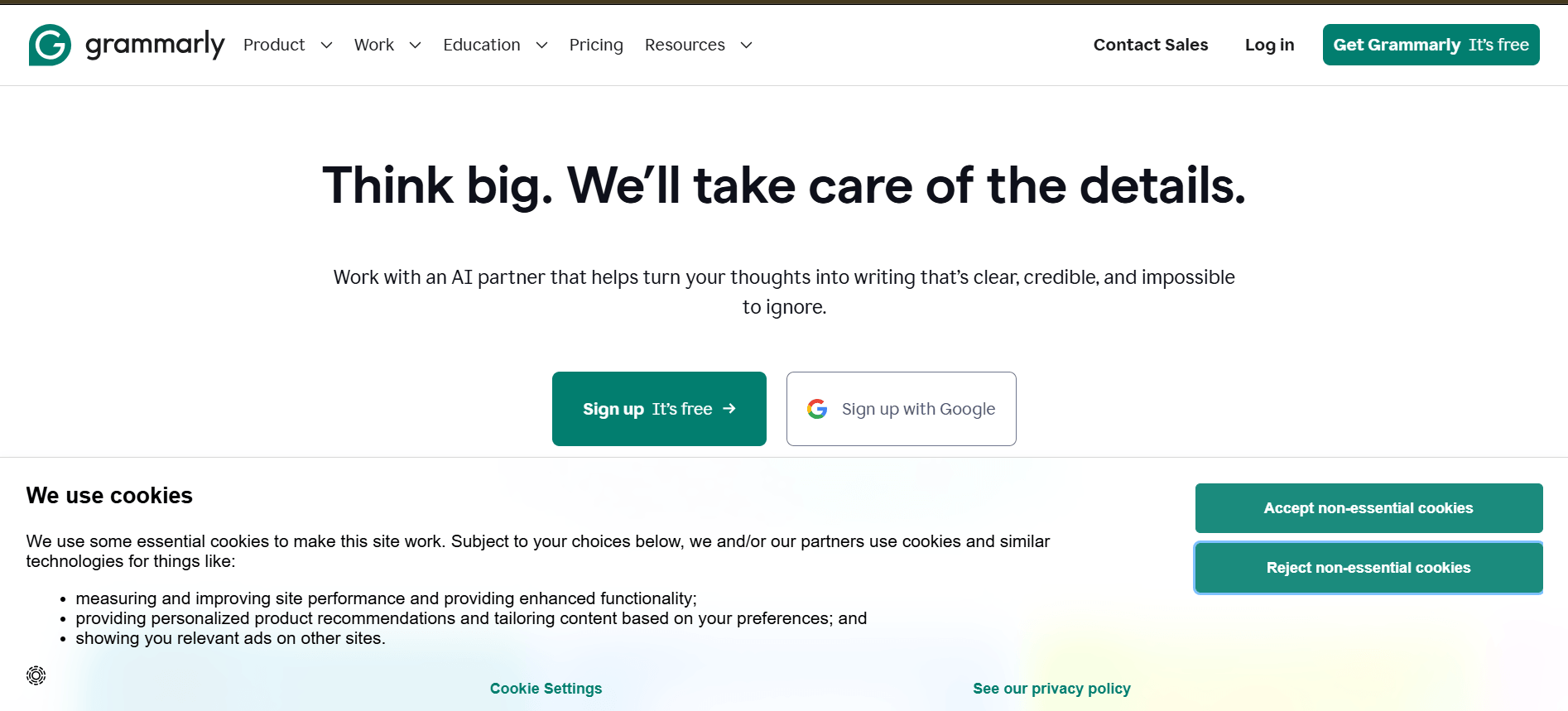
Most students who've dismissed Grammarly as "fancy autocorrect" tried the free version three years ago. The product in 2026 is meaningfully different.
The current AI layer doesn't just flag comma splices. It evaluates sentence-level clarity, flags where your argument becomes vague, identifies tonal inconsistencies (your intro sounds like a blog post; your conclusion sounds like a legal brief), and suggests rewrites that preserve your voice rather than bulldozing it.
That last part matters more than it sounds. The failure mode of AI writing tools is homogenization — everything starts sounding like the same smooth, slightly bland prose. Grammarly's suggestions tend to be additive rather than overwriting, which means your paper still sounds like you wrote it.
The feature most students overlook is the "Goals" setting, where you define your audience, intent, formality level, and domain before Grammarly reviews your work. A persuasive essay for a political science course should be reviewed differently than a lab report. Configuring this takes 30 seconds and meaningfully improves the relevance of every suggestion.
For non-native English speakers in particular, the tool functions almost as a grammar coach — not just flagging errors, but explaining the underlying rule, so you're actually building writing competency rather than becoming dependent on corrections.
3. Notion AI — Command Center for Your Entire Academic Life
Best for: Note organization, semester planning, research management, project coordination, summarization
Free tier: Yes (limited AI queries) | Paid: $10/month (includes AI add-on)
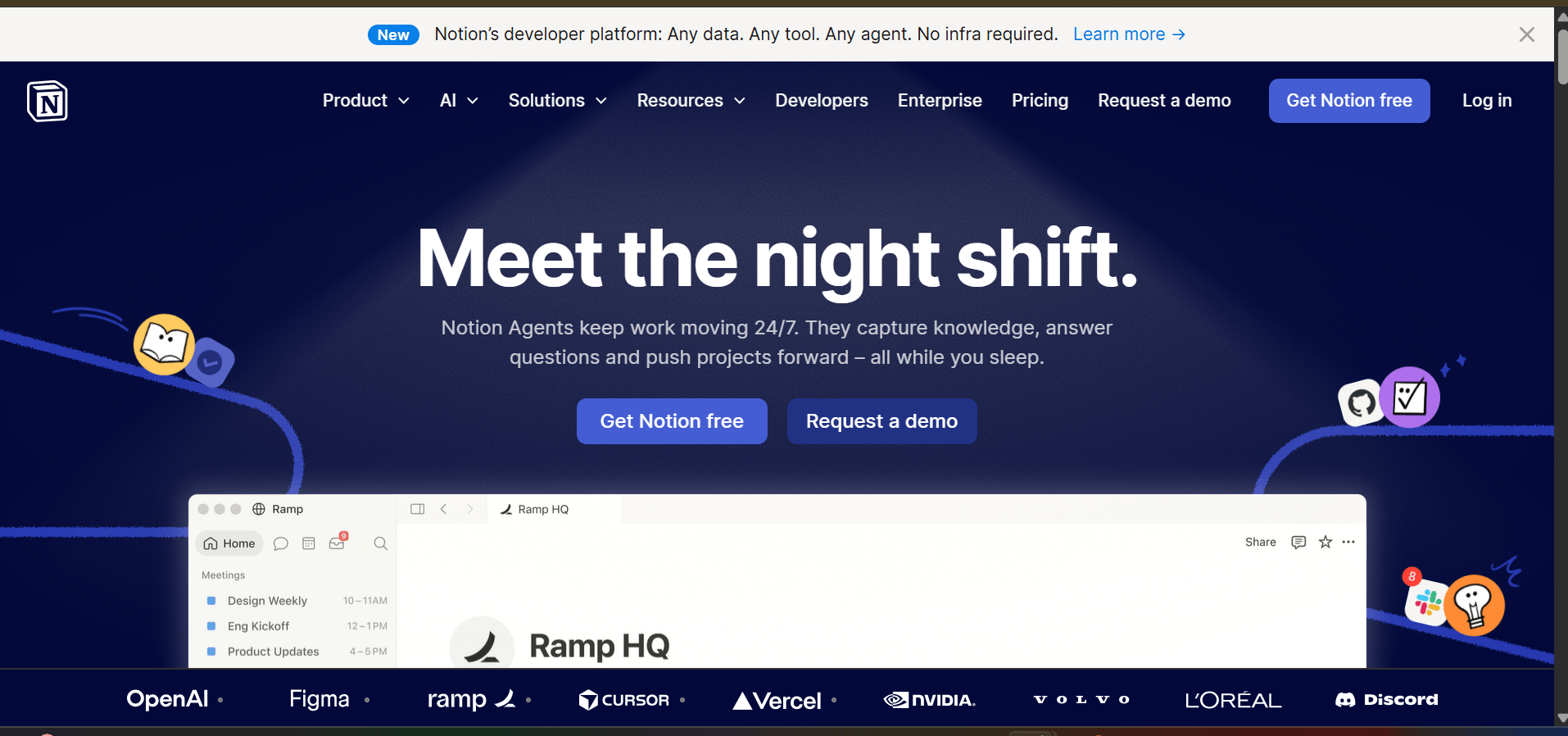
Notion without AI is already one of the most powerful organizational tools available to students. Notion with AI is a different category of thing.
The core value proposition: everything academic — syllabi, deadlines, reading notes, paper outlines, citation lists, group project trackers — lives in one interconnected workspace. The AI layer then lets you interrogate that workspace conversationally. "Summarize my notes from the last three weeks of macroeconomics." "What deadlines do I have in the next seven days?" "Draft an outline for the paper I'm writing on urban housing policy based on the research notes in this database."
That last example is the one that tends to surprise people. Because Notion AI operates on your notes — not generic internet knowledge — it produces outputs grounded in what you've actually been studying, not what someone else has written about the topic.
Many students find success with a three-layer system: daily notes capture everything from class; a weekly review page distills the key concepts; a master knowledge base per course pulls from both, creating a living document that grows more useful as the semester progresses. By finals, you're not reviewing from scratch — you're refining a comprehension map you've been building all term.
The learning curve is the main caveat. Notion rewards investment — the more deliberately you structure your workspace upfront, the more the AI features pay off. Students who use it as a basic notes app won't see the full return.
4. Quizlet — The Science of Remembering, Finally Made Easy
Best for: Vocabulary acquisition, exam preparation, spaced-repetition drilling, content retention
Free tier: Yes (generous) | Paid: ~$8/month for Quizlet Plus
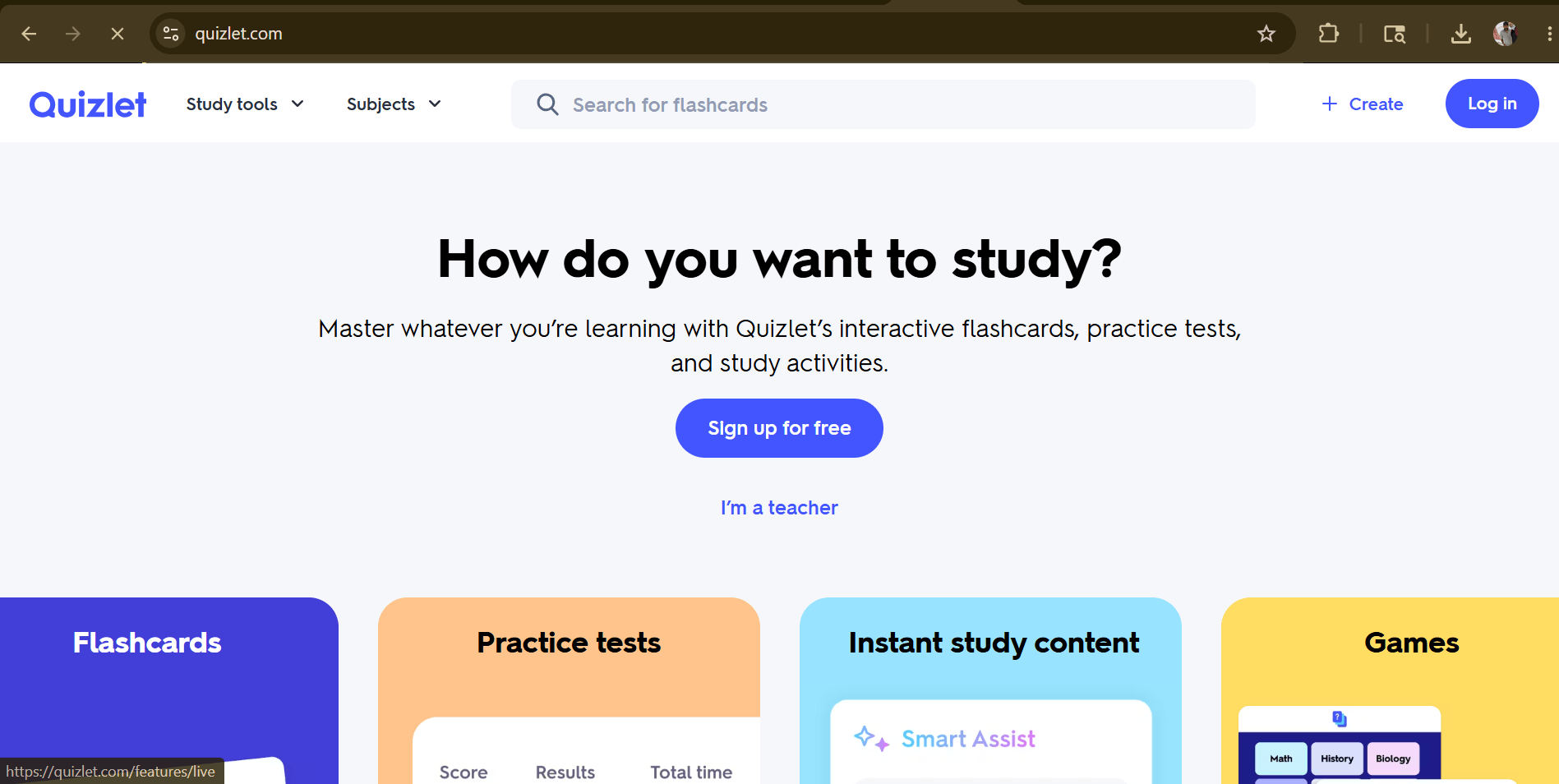
Most of what feels like "studying" is actually just exposure — reading, highlighting, rereading. The research on memory consolidation has been consistent for decades: retrieval practice (actively recalling information) outperforms passive review by a significant margin. Quizlet operationalizes that finding.
The AI layer in 2026 makes content creation frictionless. Paste a section from your textbook, upload a lecture slide, or describe a topic — Quizlet generates a ready-to-use flashcard set in seconds. What used to take an hour of card-making now takes about forty-five seconds.
More importantly, the adaptive algorithm doesn't treat all cards equally. It identifies your weak spots through your answer patterns and restructures your review sessions to concentrate on what you actually don't know yet — not what you feel least anxious about reviewing.
"Learn" mode paces you through a mixed-format quiz that shifts between written answers, multiple choice, and true/false — adapting difficulty based on performance. Students who use this mode report covering material they thought they knew, only to discover gaps they'd missed entirely. That cognitive dissonance is exactly what drives long-term retention.
One thing Quizlet can't do: teach you to synthesize and apply. It's exceptional for knowledge recall — definitions, dates, formulas, terminology. For the higher-order thinking your exams likely also test, it needs to sit alongside other methods.
5. Canva AI — Visual Thinking for Students Who Don't Have Design Skills
Best for: Presentations, research posters, infographics, visual summaries, group project deliverables
Free tier: Yes (fully functional) | Paid: Canva Pro at ~$15/month
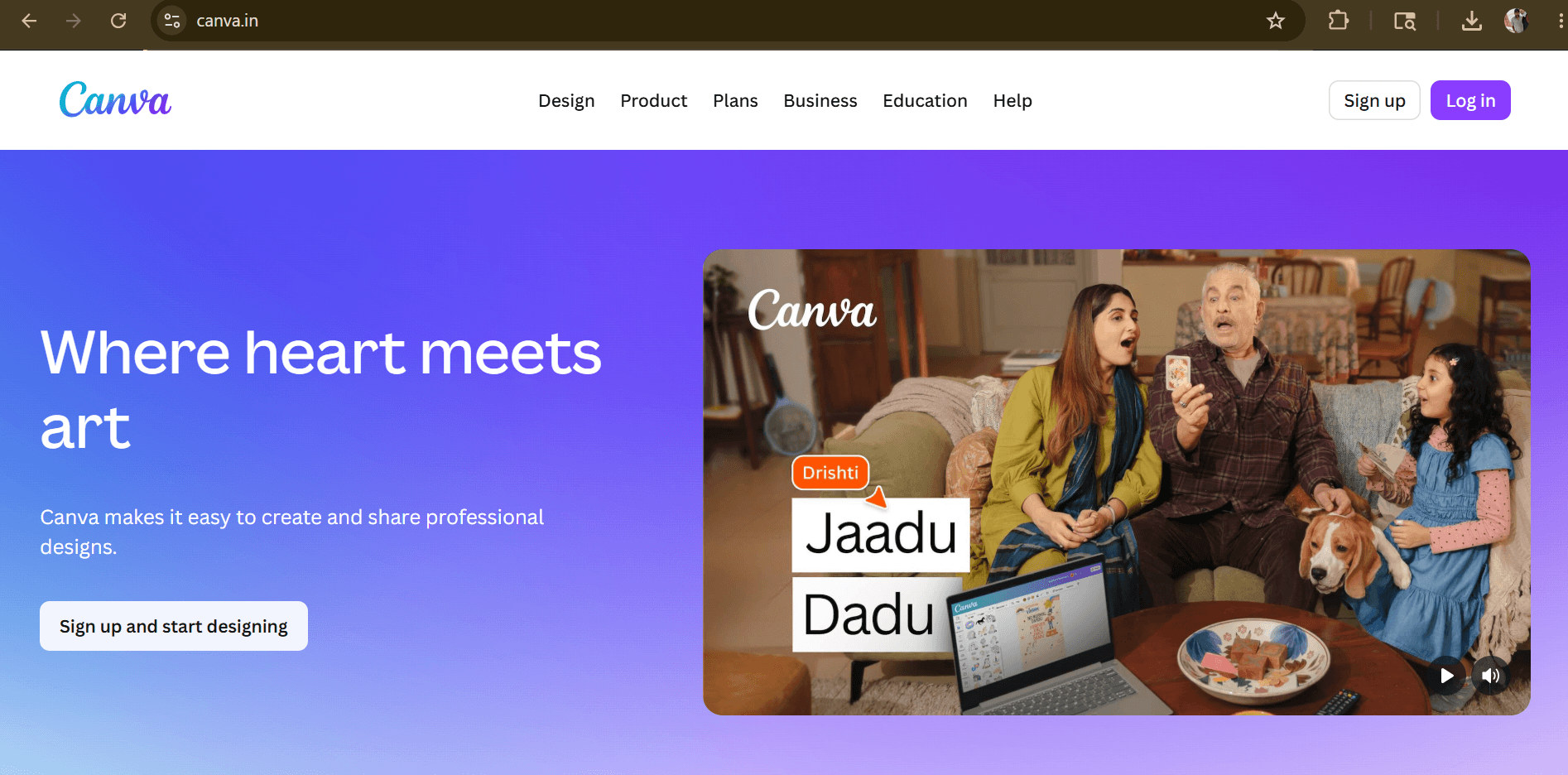
Design shouldn't be a skill tax on academic communication. A well-reasoned argument about climate policy doesn't deserve to lose marks because the presentation template looks like it was built in 2009. Canva closes that gap.
The AI tools inside Canva — Magic Design, Magic Write, and the text-to-image generator — collectively get you from "I need a presentation on Byzantine economic history" to a complete, visually coherent draft in under ten minutes. You're not generating something you'd submit verbatim, but you're not starting from a blank slide at 11 PM either.
Canva's template library is indexed by use case — academic poster, research infographic, lab report cover, conference presentation. These aren't just pretty backgrounds; they're structurally designed for the format. The difference between a Canva academic poster and the average student-made alternative is immediately legible to anyone who's sat on a thesis review committee.
Magic Write specifically helps students who know what they want to say but struggle to say it concisely in slide format — a genuinely different writing register than an essay.
6. Otter.ai — The Note-Taker You Always Wished You Had
Best for: Lecture transcription, seminar notes, group project meeting records, hybrid class capture
Free tier: Yes (300 minutes/month) | Paid: $17/month for Pro
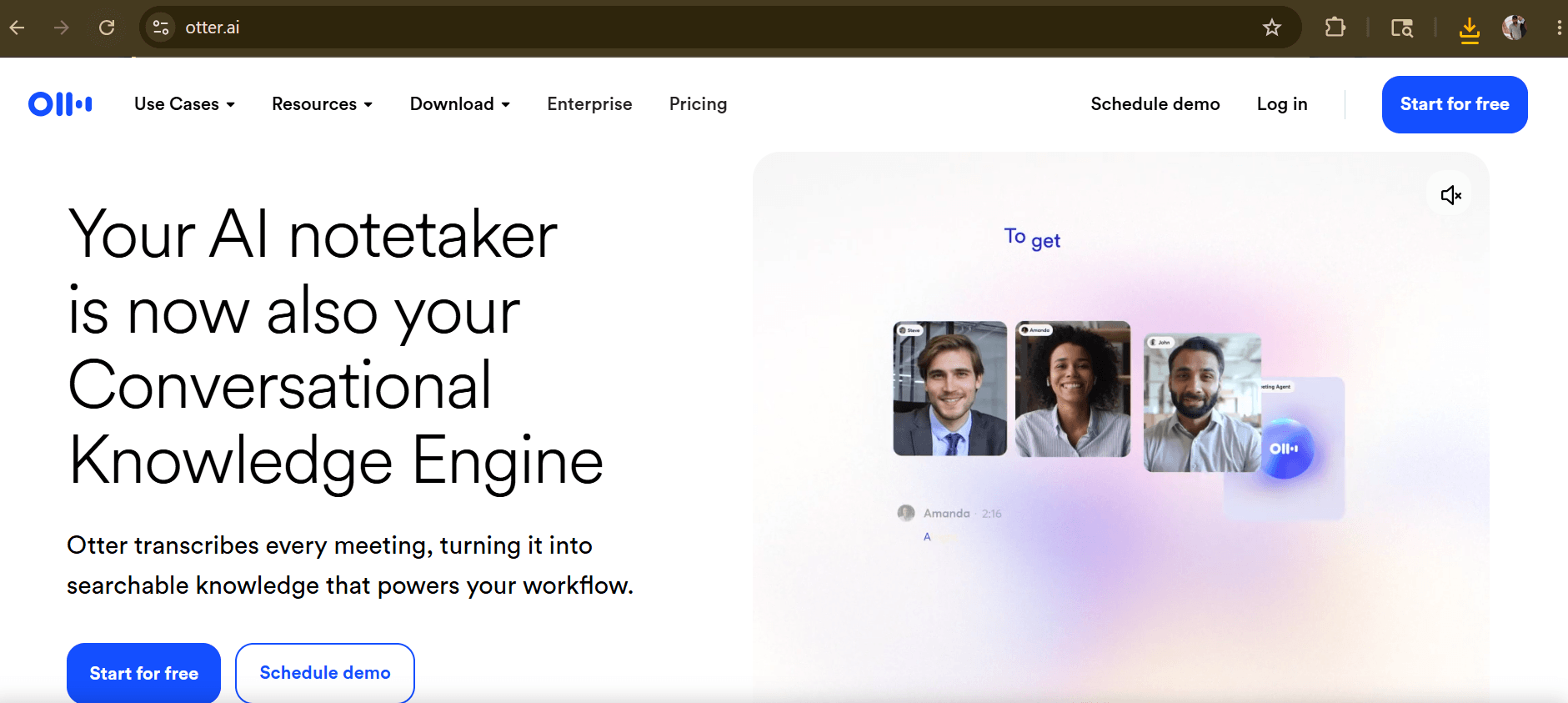
The fundamental problem with taking notes in class is that it's cognitively competitive with listening. When you're transcribing, you're not processing. When you're processing, you're not transcribing. Most students end up doing neither particularly well.
Otter.ai separates those two activities. Record the lecture, be present for the actual ideas, and come back to the organized, searchable, AI-summarized transcript afterward. The summary feature alone — which distills a 70-minute lecture into a bulleted overview of the main points — is worth the free tier.
Speaker identification means multi-person discussions (seminars, panels, group critiques) come back as readable dialogue rather than an undifferentiated block of text. The search function means "where did she mention the Keynesian multiplier?" is a two-second operation instead of scrubbing through a recording.
The practical catch: lecture hall acoustics are unkind to speech recognition. The closer your device is to the speaker — a front row seat, or better, a small external microphone — the more accurate the transcript. In optimal conditions, accuracy is impressive. At the back of a 300-seat auditorium, you'll need to review and correct.
7. Wolfram Alpha — Where Accuracy Actually Matters
Best for: Mathematics, physics, chemistry, statistics, engineering problem sets, data computation
Free tier: Yes (basic queries) | Paid: ~$7.25/month for Pro (step-by-step solutions)
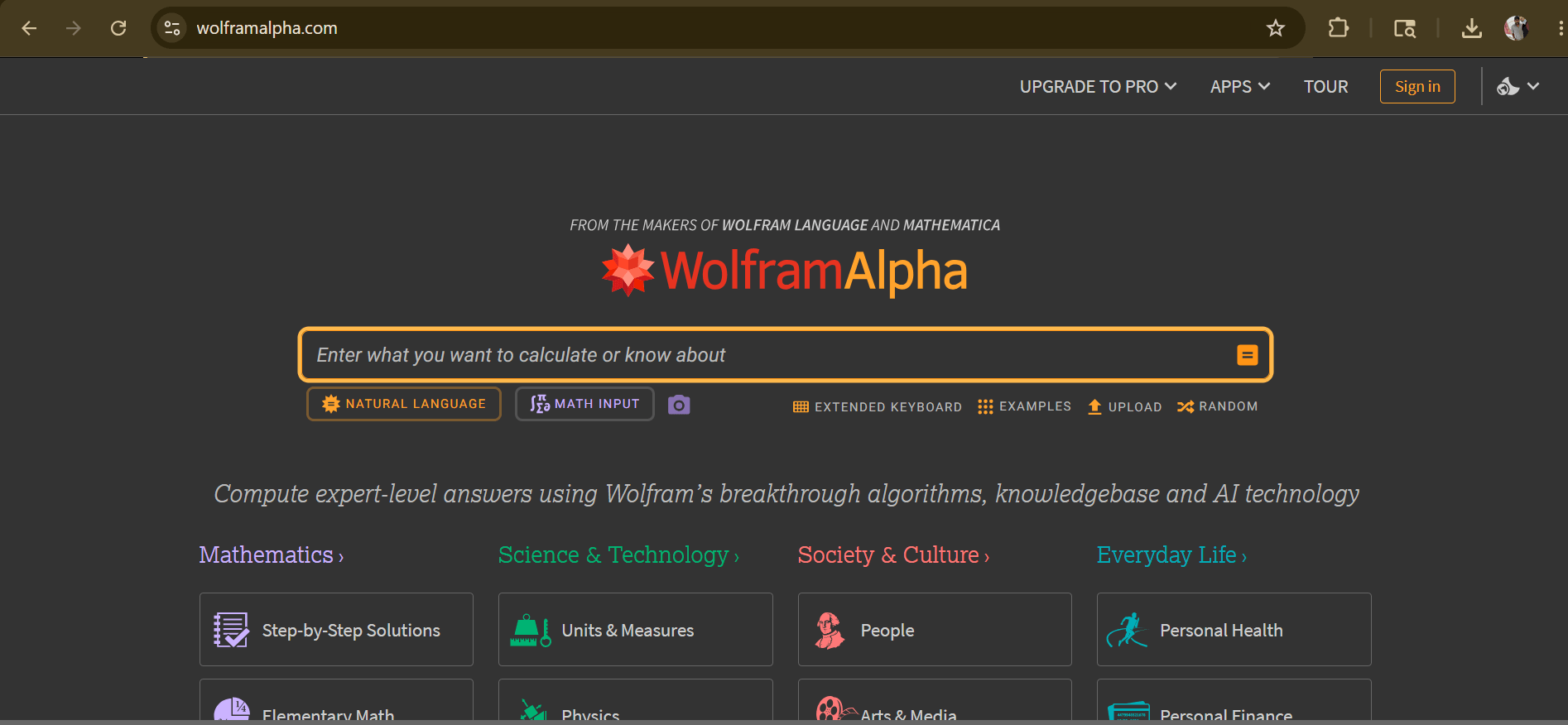
ChatGPT is often wrong about numbers. Wolfram Alpha almost never is.
The distinction matters enormously in STEM disciplines where a plausible-sounding wrong answer is worse than no answer at all. Wolfram Alpha is a computational knowledge engine — it doesn't generate text by predicting likely word sequences. It computes, and computation doesn't hallucinate.
Solve a differential equation. Plot a function with specified domain constraints. Balance a chemical equation. Calculate the confidence interval for a given dataset. Get the eigenvalues of a matrix. These aren't tasks where "close enough" passes a physics problem set.
The Pro version's step-by-step solver is the real value for students — not because you can copy the steps, but because working backward from a correct solution to understand the method is one of the most effective learning strategies in quantitative disciplines.
Worth pairing with: Use ChatGPT for conceptual explanation and Wolfram Alpha for computational verification. Language models help you understand why. Wolfram confirms what.
Free AI Tools for Students: What You Actually Get Without Paying
The paid plans have more headroom, but the free tiers across these tools are legitimately useful. Here's an honest breakdown:
| Tool | Free Plan Quality | Key Limitation | Worth Starting Free? |
|---|---|---|---|
| ChatGPT | ★★★★☆ | Rate limits during peak hours | Yes — start here |
| Grammarly | ★★★☆☆ | No tone or rewrite features | Yes for basic writing |
| Notion AI | ★★★☆☆ | Limited AI queries per month | Yes if you stay organized |
| Quizlet | ★★★★☆ | Ads; some modes locked | Yes — very functional |
| Canva AI | ★★★★★ | Minor template limits | Yes — excellent free tier |
| Otter.ai | ★★★☆☆ | 300 min/month cap | Yes for weekly use |
| Wolfram Alpha | ★★★☆☆ | No step-by-step breakdown | Yes for quick checks |
Realistically, a student using the free tiers of ChatGPT, Quizlet, and Canva has already covered their three highest-impact study scenarios without spending anything.
Comparing the Tools: Which One Is Right for You?
Different students have different friction points. Here's a decision-layer view:
| If you struggle with… | Use this tool | Why |
|---|---|---|
| Understanding difficult concepts | ChatGPT | Dialogue-based explanation, infinitely patient |
| Writing quality and clarity | Grammarly | Real-time feedback in your existing workflow |
| Staying organized across courses | Notion AI | Unified workspace with AI-powered recall |
| Actually retaining what you study | Quizlet | Spaced repetition + adaptive quiz generation |
| Presentations and visual projects | Canva AI | Template-driven design with AI writing assist |
| Missing important lecture content | Otter.ai | Auto-transcription + searchable summaries |
| STEM problem sets and computation | Wolfram Alpha | Precise computation, never hallucinates math |
The Honest Pros and Cons of AI in Academic Life
This section exists because most AI tool roundups skip it entirely, and that's a disservice.
What AI Genuinely Does Well for Students
- Compression
- Tasks with a high time cost and low cognitive reward — reformatting notes, building flashcard sets, generating a bibliography structure, drafting a first outline — can be done in minutes. That's not lazy; it's rational. Reallocating that time to deeper engagement with the material is a legitimate study strategy.
- Accessibility
- A student without access to private tutoring now has something arguably better available at any hour. The democratizing effect of well-designed AI tools is real and meaningful, particularly for first-generation college students or those in under-resourced institutions.
- Personalization at scale
- AI adapts to the individual in ways a classroom inherently can't. If you need the same concept explained five different ways before it clicks, that's not a problem — it's just how your brain works. AI doesn't run out of patience or look at the clock.
Where the Real Risks Live
- Fluency without understanding
- The most insidious failure mode isn't students submitting AI-written essays. It's students who read AI-generated explanations, feel like they understand, and discover on the exam they don't. Comprehension requires effortful processing. Passive consumption of polished AI output can create a false confidence that evaporates under test conditions.
- Source contamination
- ChatGPT, Perplexity, Claude — every language model can produce citations that look real but aren't. This has ended academic careers. Before any AI-sourced claim appears in a submitted paper, verify it independently.
- Policy terrain that's still shifting
- Academic integrity policies around AI are genuinely inconsistent across institutions and even across departments within the same university. "My professor allows it" and "my department allows it" are not the same statement. Get clarity in writing when it matters.
How to Use AI Tools Without Undermining Your Own Education
This is where the actual skill is.
- Treat AI outputs as first drafts, not final answers. Whether it's an essay outline, a concept explanation, or a set of practice questions — start with what AI produces, then interrogate it, improve it, argue with it. The version you arrive at through that process is genuinely yours.
- Use AI to go deeper, not shallower. When you read an AI explanation of a concept, don't stop there. Use it as a springboard: "What's a real-world case where this principle broke down? What would a critic of this theory say?" That follow-up thinking is where learning actually happens.
- Document your AI usage. Even where it's not required, keeping notes on what you used AI for builds metacognitive awareness — you'll start noticing patterns in where you rely on it heavily versus where you work independently. That's useful self-knowledge.
- Preserve the friction that matters. Some parts of academic work are supposed to be hard. Writing a clear argument is hard because thinking clearly is hard. Using AI to bypass that friction entirely means you leave university without the skill you were there to build. The goal is to remove low-value friction while keeping the high-value kind.
Frequently Asked Questions
What are the best AI tools for students in 2026?
The most consistently useful are ChatGPT for concept-level tutoring and writing feedback, Grammarly for academic writing quality, Notion AI for organizing an entire semester's worth of work, and Quizlet for evidence-based memorization. The best combination depends on your coursework — humanities students tend to rely more heavily on writing tools; STEM students get outsized value from Wolfram Alpha and ChatGPT's problem-solving capabilities.
Are there genuinely good free AI tools for students?
Yes — and more than most people realize. Canva's free tier is genuinely excellent for presentations and visual projects. Quizlet's free version covers the core flashcard and practice quiz functionality most students need. ChatGPT's free access includes GPT-4o mini, which is meaningfully capable for study support. You can build a functional AI study toolkit at zero cost.
Does using AI for schoolwork count as cheating?
Context and use case are everything here. Using AI to understand a concept you're confused about, to get feedback on a draft you wrote, or to organize your study schedule is widely accepted and educationally sound. Submitting AI-generated content as your original work — without disclosure, or in violation of an explicit course policy — crosses a different line entirely. The safest approach: read your syllabus, ask your professor directly for ambiguous cases, and when in doubt, document your process.
Which AI tool helps most with essay writing?
The most effective combination is using ChatGPT during the thinking phase — generating argument structures, stress-testing your thesis, identifying counterarguments — and Grammarly during the revision phase. ChatGPT shapes the substance; Grammarly sharpens the surface. Neither replaces the actual writing, which still needs to come from you.
What's the best AI homework helper for specific subjects?
For open-ended questions, reading comprehension, and writing tasks: ChatGPT. For math, physics, chemistry, and any quantitative problem set: Wolfram Alpha. For language learning and vocabulary: Quizlet's AI-generated card sets. For visual or design-based assignments: Canva AI. The mistake is trying to use one tool for everything.
Can AI tools actually improve academic performance?
The research on this is early but directionally consistent: students who use AI tools to support retrieval practice, get feedback on writing, and clarify conceptual misunderstandings tend to perform better than those using passive study methods alone. The operative word is support. AI used as a comprehension shortcut tends to backfire on timed exams, where the understanding has to live in your head, not your browser history.
How do I know if an AI tool is safe to use for academic work?
Established platforms from reputable companies — OpenAI, Grammarly, Notion, Quizlet, Canva — have transparent data policies and are generally safe for academic use. The main precautions: don't paste proprietary research, unpublished work, or personally identifying information into AI platforms without checking their data retention policies. Most allow you to opt out of training data contribution in account settings.
Final Thoughts: The Students Who Win With AI Aren't Using It More
They're using it better.
The tools covered in this guide aren't shortcuts. They're precision instruments that reward students who understand what problem each one actually solves. ChatGPT doesn't make you a better writer — using it to interrogate your own thinking does. Quizlet doesn't improve your grades — consistent retrieval practice does, and Quizlet makes that sustainable.
The underlying skill isn't "prompt engineering" or "knowing which app to download." It's learning to identify exactly where friction in your academic workflow is costing you time and quality — and then deploying the right tool specifically against that friction.
If you're starting from scratch, pick one. The highest-leverage entry point for most students is ChatGPT: set up a free account, and the next time you hit a concept in class that isn't clicking, don't reread the textbook paragraph four times. Open a conversation and work through it interactively. That single habit change, applied consistently, is worth more than any premium subscription.
Then build from there.
SmartAIHuman Editorial Team shares practical AI guides, tool reviews, productivity strategies, and beginner-friendly tech tutorials to help readers use AI effectively in everyday life.


Appreciate it for sharing the information with us.
Thank you for the support